
 | ||
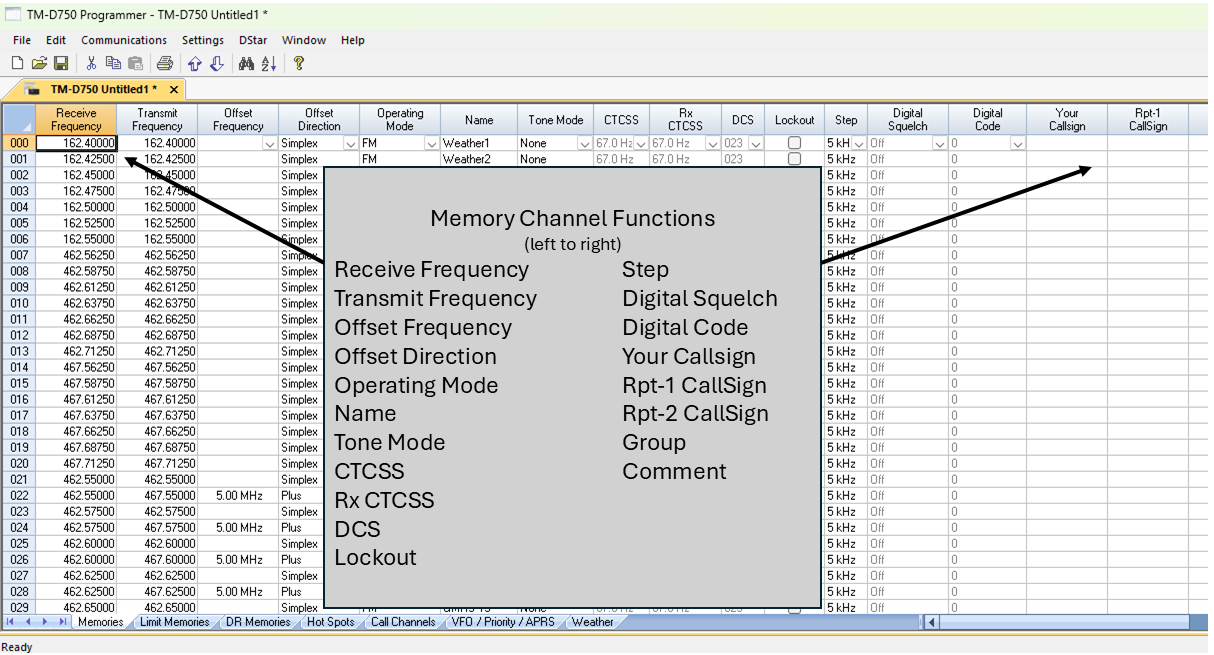
The KRS-D750 Radio Programming Software is designed to give you the ease and convenience of programming the memories and set menu options of your radio from your PC. Any memory channel with all its details can be sent to the radio with a simple keystroke. Memory Channels Include:
Other Menu Item Categories Include:
The Radio Programmer Is for so Much More than Just Memory Management. |
| |
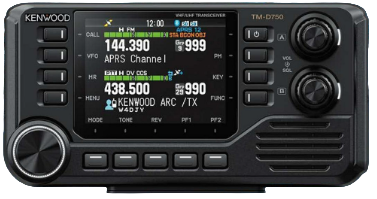 The programming process begins by first installing the program. Drivers for the cable are installed during this process.
Save your file as you work. This is a computer, after all, and you would hate to lose your work should the system fail. Actually, create and save as many files as you want or need. You could have one file for home, a different one for the vacation house, another for the trip to your son’s house, another for the yearly 3K run and picnic where you help direct traffic and want the radio to be programmed with only the frequencies for that event. Remember, radio programming is an overwrite process. Everything in the radio is replaced by everything in the file. |

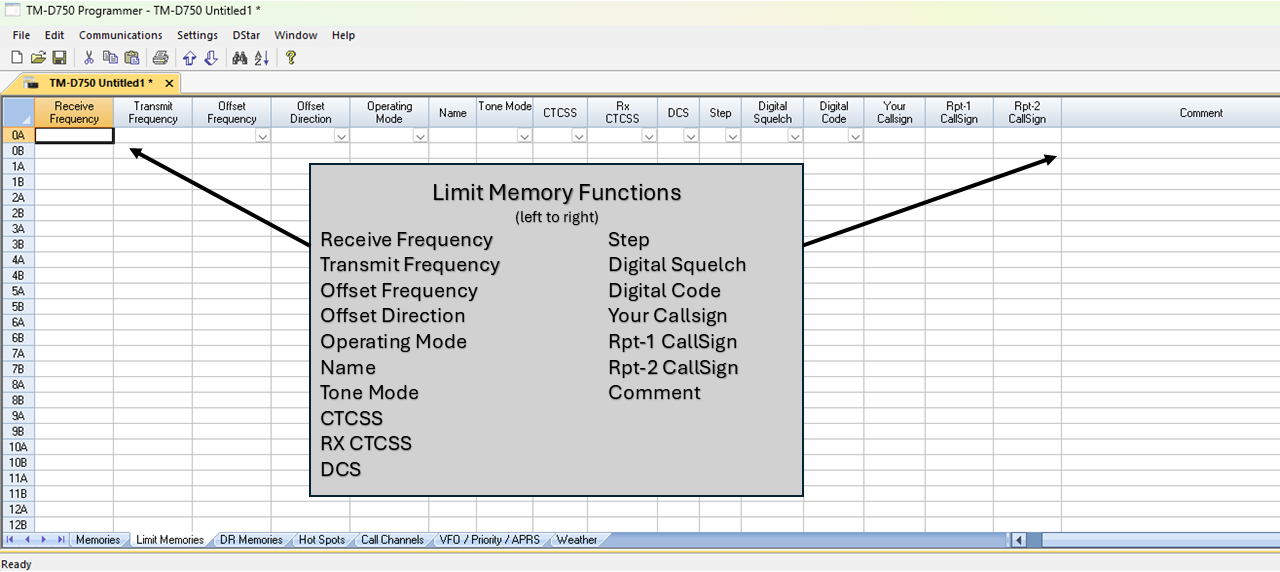 |
Limit Memories Limit Memories are used by the radio for Program Scan. Program the same details for Limit Memories as for regular memory channels. |
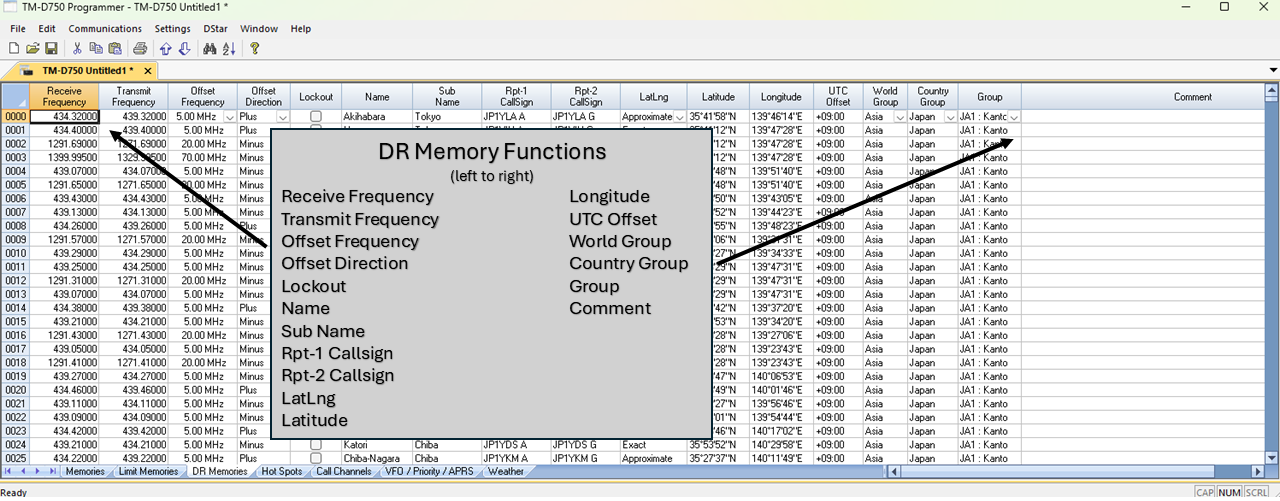 |
DR Memories The DR Channels are special memories of the radio used for quick manual D-Star setup from the radios face. D-Star channels do not have to be programmed here before being saved to memory. |
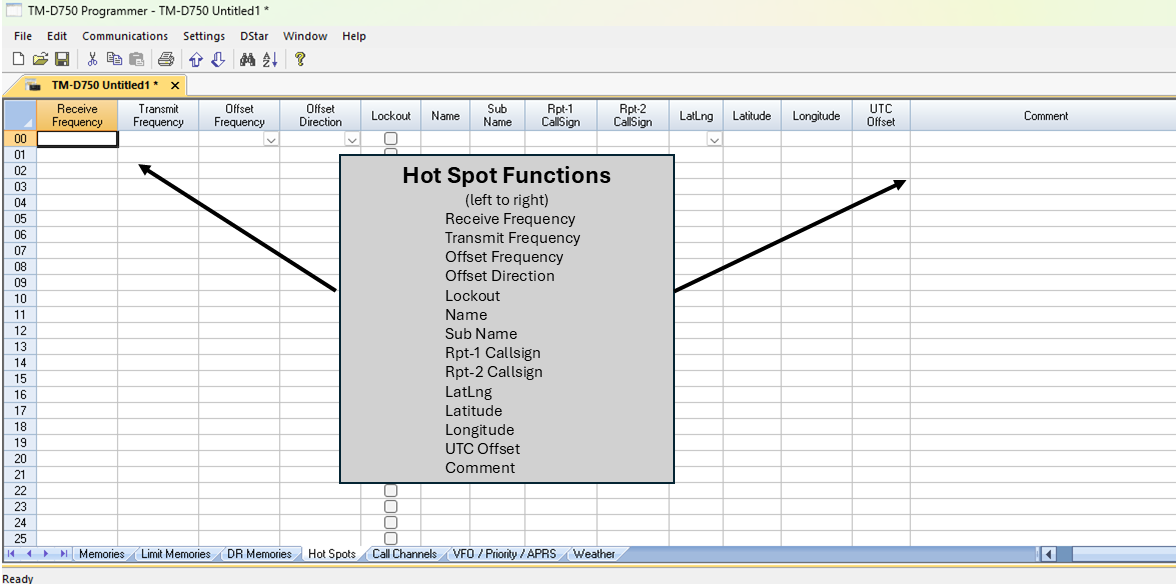 |
Hot Spots The TM-D750 can store up to 30 Hot Spots for quick access. |
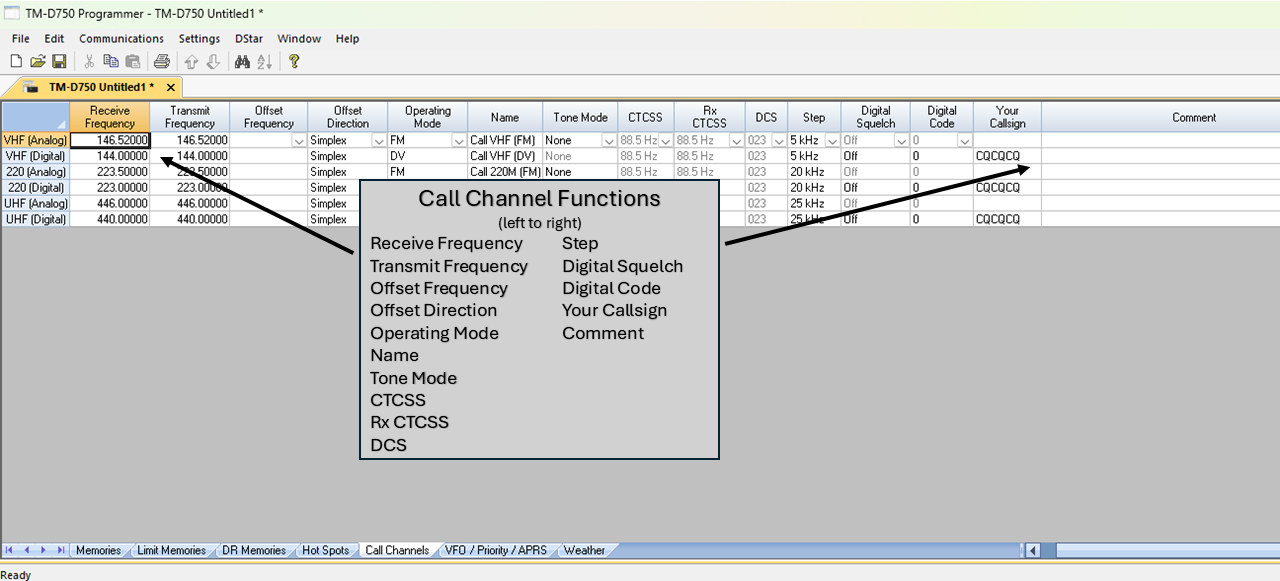 |
Call Channels Home/Call channels are special memories accessed through one button recall on the radio. These channels are preprogrammed in the radio and while the frequency can be changed to another within the band, they cannot be left blank. |
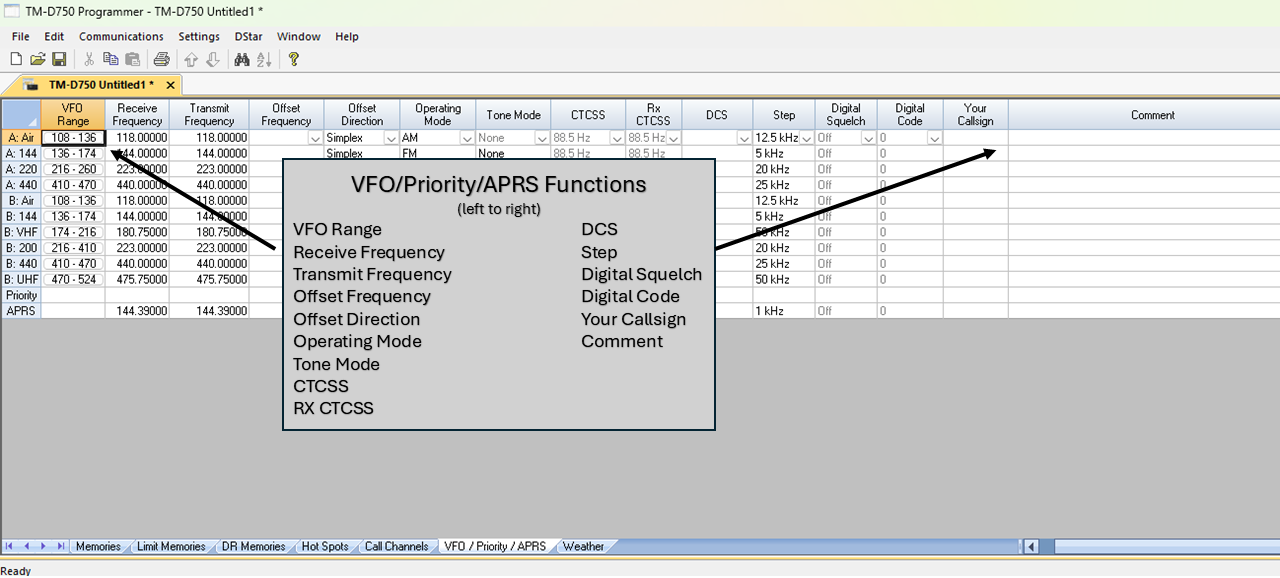 |
VFO/Priority/APRS Provides quick access to VFO operation, Priority Channel Monitoring, and APRS functions, allowing you to easily switch between frequency tuning, monitoring a priority channel, and APRS communication. |
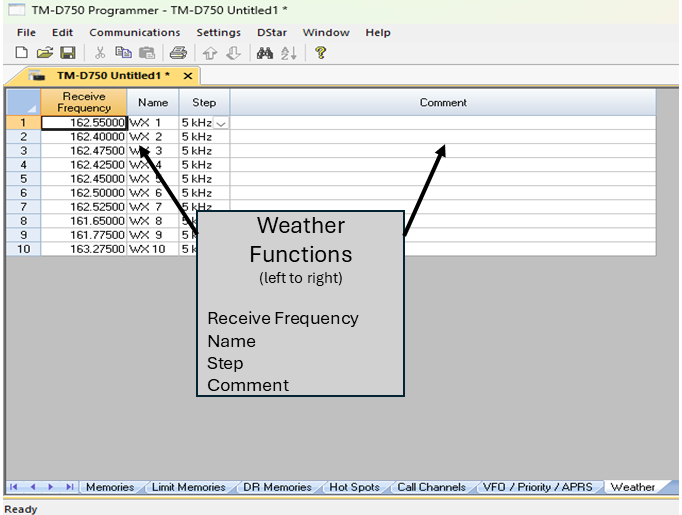 |
Weather Allows 10 programmable weather channels for quick access to monitor NOAA weather broadcasts and stay informed of changing weather conditions. |
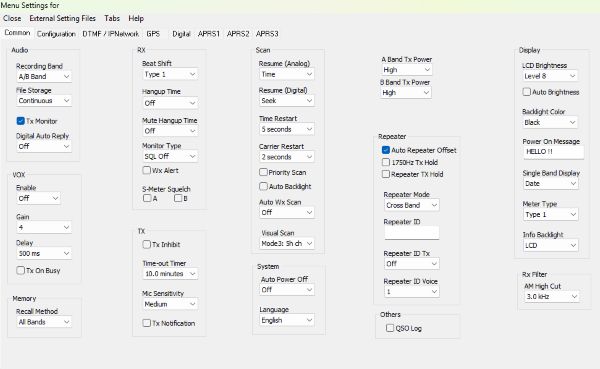 | Common Use these screens to customize other set menu features of the radio. Check boxes toggle features on or off, drop down menus list all selections and blank boxes for personalized entry add to the ease of setting up your radio exactly like you want it. | |
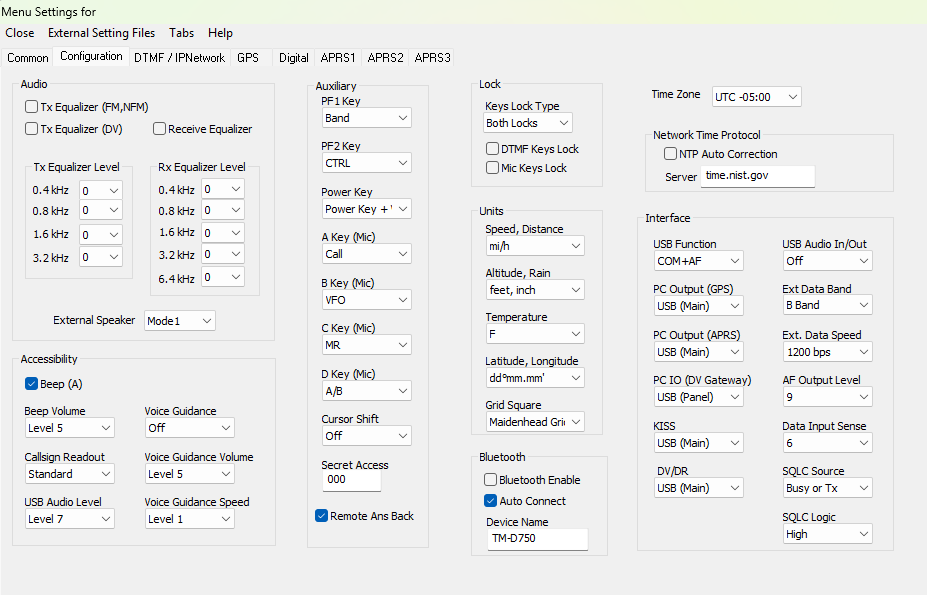 | Configuration The Configuration screen allows you to customize many settings of the radio including but not limited to Audio, Auxiliary, Time Zone, Units and Bluetooth. | |
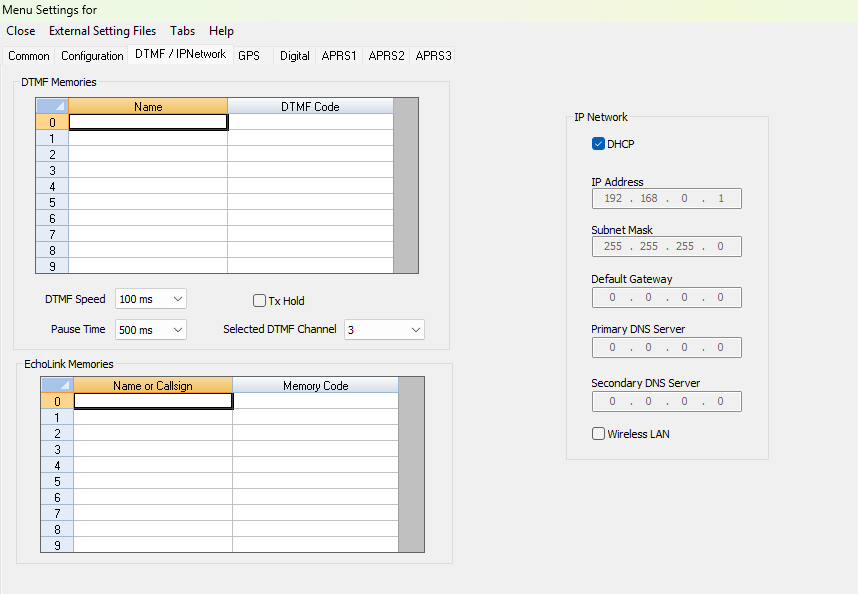 | DTMF/IPNetwork Enter DTMF and IPNetworking details and customize options for this function of the radio. | |
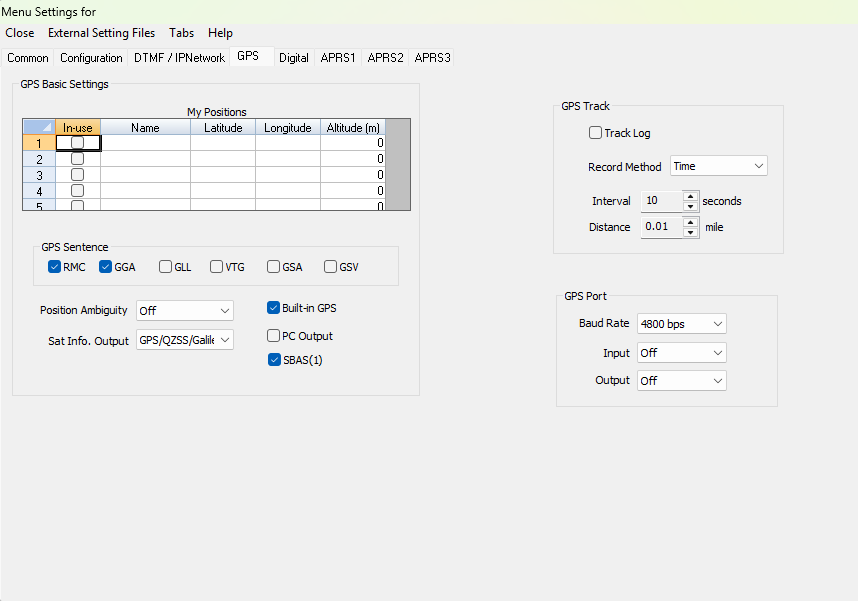 | GPS Enter and manage information and settings for GPS activities. | |
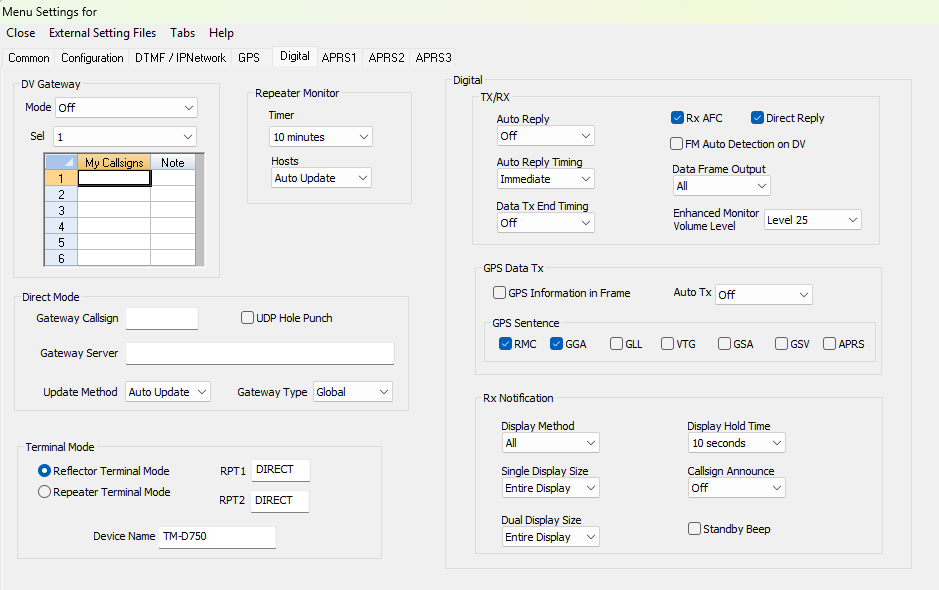 | Digital Customize options for DStar activities. These options control the radio's performance whether you work DStar from memory channels or from DR memories. | |
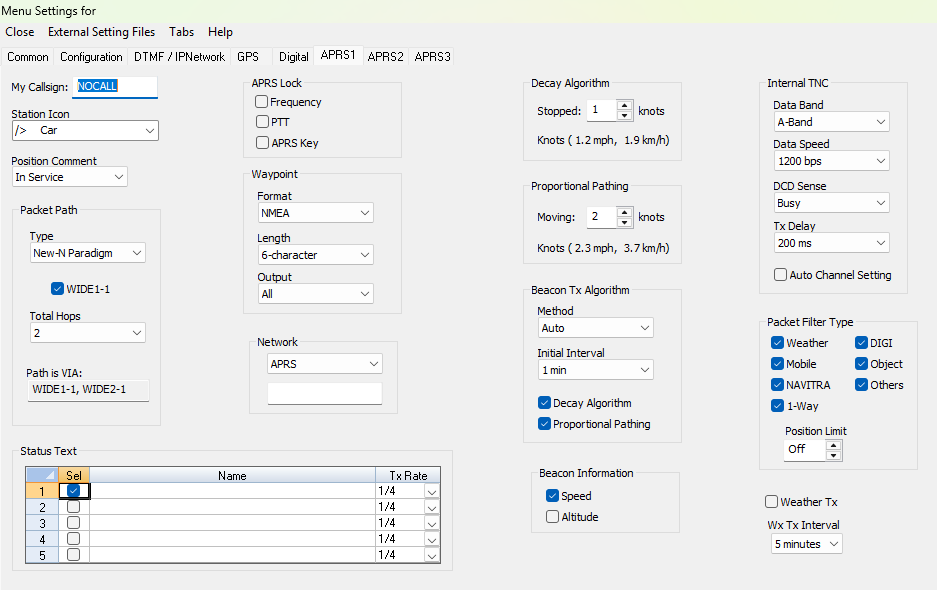 | APRS 1 So many options for APRS they span three settings screens. Set options here to get the best functionality during APRS activities. | |
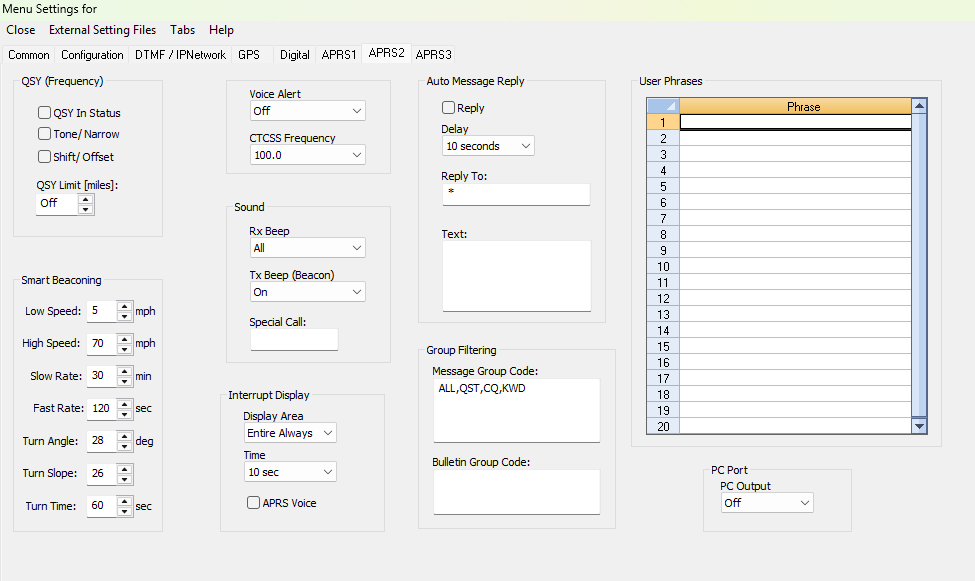 | APRS 2
| |
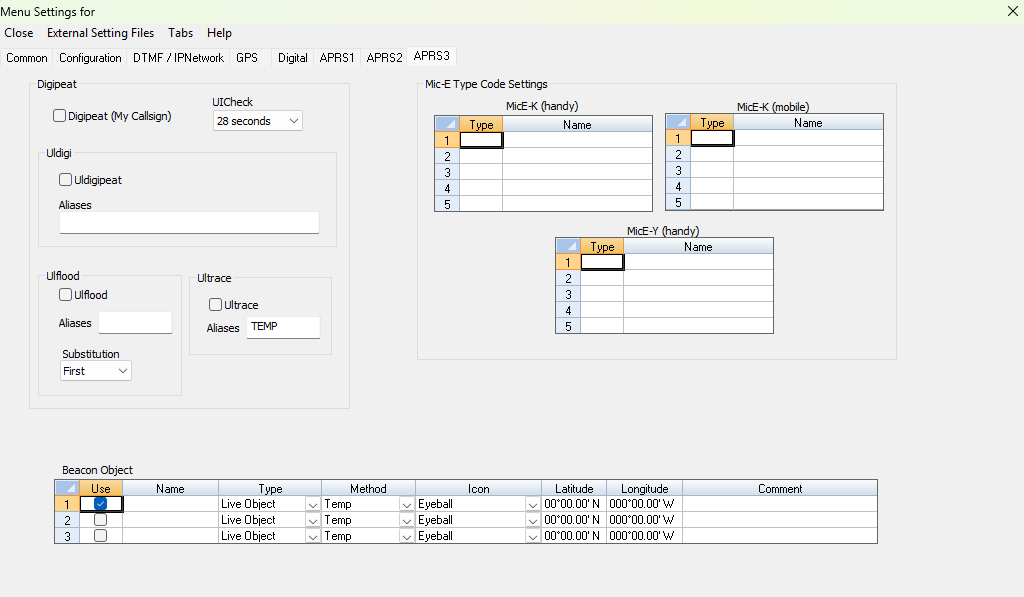 | APRS 3
| |
